Computer-Using Agents: What Business Professionals Need to Learn Before They Automate
By Melverick Ng | Published | Updated | 8 min read
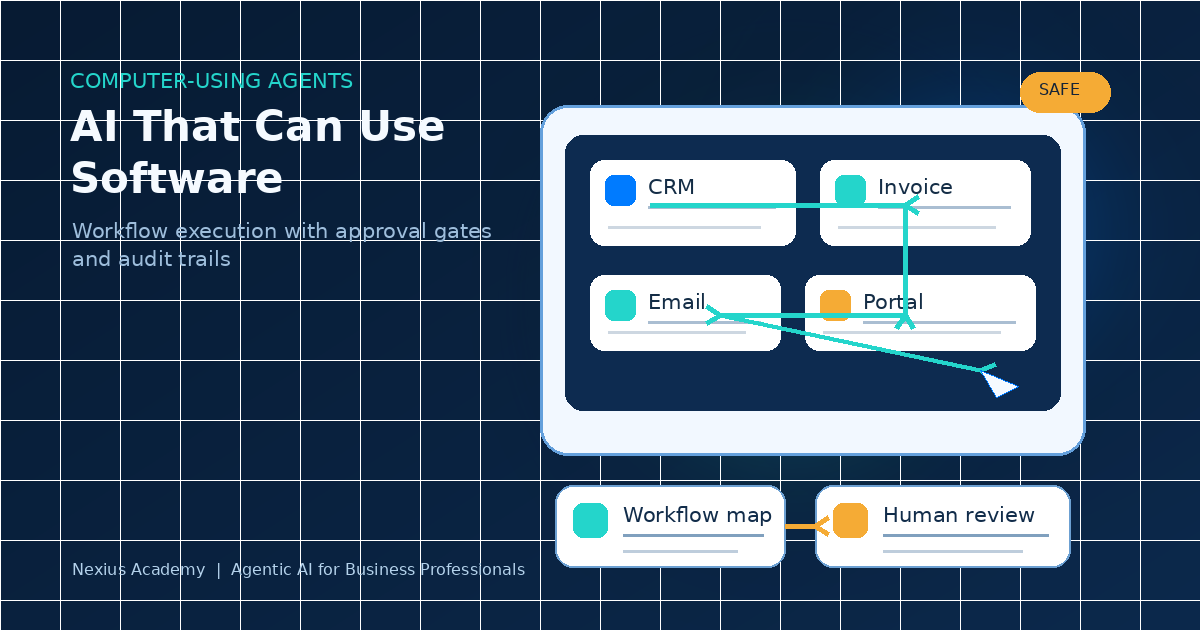
The next AI skill is not writing better prompts.
It is learning how to supervise AI that can take action.
Microsoft's May 2026 Copilot Studio update made computer-using agents generally available. These agents can interact with websites and desktop applications through the user interface, which means they can help with workflows even when a system does not have a clean API.
That matters for business professionals because most real work does not happen in one perfect system. It happens across CRMs, spreadsheets, email, finance portals, HR platforms, vendor screens, and approval chats.
The question is no longer, "Can AI answer my question?" The better question is, "Can I design and supervise a workflow that AI can execute safely?"
Trend Basis
Microsoft's Copilot Studio update on 26 May 2026 highlights computer-using agents, redesigned workflows, and more connected automation. Microsoft's 2026 Work Trend Index also frames the broader shift clearly: as AI and agents take on more execution, people need to direct what gets done and own the outcomes. Microsoft Agent 365 adds the governance layer: organisations need observability, permissions, and controls as agents spread across work.
1.What Is a Computer-Using Agent?
A computer-using agent is an AI system that can operate software through the screen, similar to how a person uses a computer.
It may be able to:
- Open a website.
- Read information on a page.
- Click buttons.
- Fill forms.
- Move between systems.
- Follow a multi-step instruction.
- Hand back an exception for human review.
This is different from a normal chatbot. A chatbot gives you text. A computer-using agent can help complete a task.
For non-technical professionals, that is a major shift. You do not need to become a programmer, but you do need to understand how work is structured well enough to teach, test, and supervise the agent.
Next Step
Download the SME Workflow Checklist
Get the exact checklist we use to spot high-ROI automation opportunities in under 15 minutes.
2.Why This Matters Outside IT
Many people still think automation belongs to technical teams. That was true when automation mainly meant scripts, APIs, and backend integrations. Computer-using agents change the training need.
They can work across user interfaces, which means the people closest to the workflow need to be involved:
- Finance teams know where invoice checks fail.
- Sales teams know which CRM fields are always missing.
- Operations teams know which vendor portals slow everyone down.
- HR teams know which approvals need judgement.
- Customer support teams know which requests are repetitive and which ones are sensitive.
The domain expert becomes the workflow architect. That does not mean every employee should build agents freely. It means business professionals need enough AI fluency to describe the work clearly, define boundaries, and review outputs properly.
3.The Skill Shift: From User to Agent Supervisor
Most AI training still teaches people how to ask for an answer. That is useful, but incomplete. When AI starts taking action, professionals need a different skill set.
Workflow mapping
You need to break a task into steps. Example: "Process a supplier invoice" is too vague. A better workflow map looks like this:
- Read invoice details.
- Match supplier name against approved vendor list.
- Compare invoice amount against purchase order.
- Check payment terms.
- Flag missing fields.
- Draft approval note.
- Send to finance manager for review.
Agents cannot execute messy intentions. They need structured work.
Context design
AI needs the right information at the right time. That may include:
- Policy documents.
- Approval rules.
- Product lists.
- Customer context.
- Past examples.
- Escalation criteria.
- Data definitions.
Poor context creates poor output. This is why data readiness matters. If your source documents are outdated, scattered, or contradictory, the agent will not magically fix the organisation.
Approval design
Not every step should be automated fully. A good agentic workflow separates low-risk actions from high-risk decisions.
Low-risk examples
- Summarising a document.
- Preparing a draft reply.
- Checking whether fields match.
- Creating a report for review.
High-risk examples
- Sending a legal claim.
- Approving payment.
- Changing pricing.
- Updating sensitive employee records.
- Making a promise to a customer.
The human-in-the-loop is not a weakness. It is how you make AI usable in real business.
Next Step
Check Your SkillsFuture Subsidy
See your estimated net payable fee and eligibility path in under 60 seconds.
Check My SubsidyRelated Course Module
Module: Build Your First Agentic Workflow Blueprint
Learn how to map, automate, and test one real workflow from your own business during class.
See module detailsTesting and exception handling
Professionals need to learn how to test workflows before trusting them. A simple test set should include normal cases, missing data cases, duplicate records, conflicting instructions, sensitive information, and edge cases that require escalation.
If the agent fails, the answer is not always "change the prompt." Sometimes the workflow is unclear. Sometimes the policy is missing. Sometimes the data is not ready.
4.The Risk: Agent Sprawl
When tools become easy, people create many small automations quickly. That sounds productive until nobody knows which agents exist, what data they can access, which systems they touch, who owns them, whether they are still accurate, or what they did yesterday.
Microsoft's Agent 365 announcement calls this out directly: organisations need visibility and control as agents start operating across apps, endpoints, and cloud systems.
A safe agentic workflow should have:
- A named owner.
- A clear purpose.
- A permission boundary.
- A review process.
- An activity log.
- A failure path.
- A retirement plan if it stops being useful.
This is the difference between experimentation and responsible deployment.
5.What Business Professionals Should Practise in Class
If you are learning agentic AI, avoid courses that only show shiny demos. You should practise with real workplace patterns:
- Map one workflow: Pick a task you actually do at work. Break it into steps, decisions, inputs, outputs, and exceptions.
- Identify the handoff points: Handoffs are where delays and errors usually appear.
- Define the agent's job scope: Write what the agent is allowed to do and what it must not do.
- Add human approval gates: Decide when the agent should stop and ask a person.
- Create a review checklist: Define how a human checks the output before it affects a customer, payment, employee, or record.
- Measure the result: Track time saved, errors reduced, SLA improvement, and review effort.
The goal is not to become an AI hobbyist. The goal is to become someone who can redesign work responsibly.
Conclusion: Execution Is the New AI Literacy
The first wave of AI training taught people how to write prompts. The next wave must teach people how to design supervised execution.
Computer-using agents are important because they bring AI closer to everyday work. They can help operate across screens, portals, and workflows that were previously hard to automate.
But action creates responsibility. Business professionals now need to understand workflow design, context, approval gates, testing, telemetry, and governance. These are not technical extras. They are the foundations of trustworthy AI at work.
Ready to build applied AI readiness? Explore an agentic AI course for non-technical professionals →
Sources Reviewed
- Microsoft Copilot Studio: computer-using agents, workflows, and real-time voice experiences
- Microsoft Agent 365: observe, govern, and secure agents
- Microsoft Work Trend Index 2026: Agents, human agency, and the opportunity for organizations
Next Step
Join the Next Cohort
Get hands-on guidance and leave class with a deployable AI workflow for your business.
Reserve My SeatAbout the Trainer
Melverick Ng is Founder of Nexius Labs and Master Trainer at Nexius Academy. He has trained business teams and non-technical professionals to design practical AI workflows for sales, operations, and customer support.
Talk to a Course Advisor