AI Agent Lifecycle Management: What Business Professionals Must Learn Before Agents Multiply
By Melverick Ng | Published | Updated | 9 min read
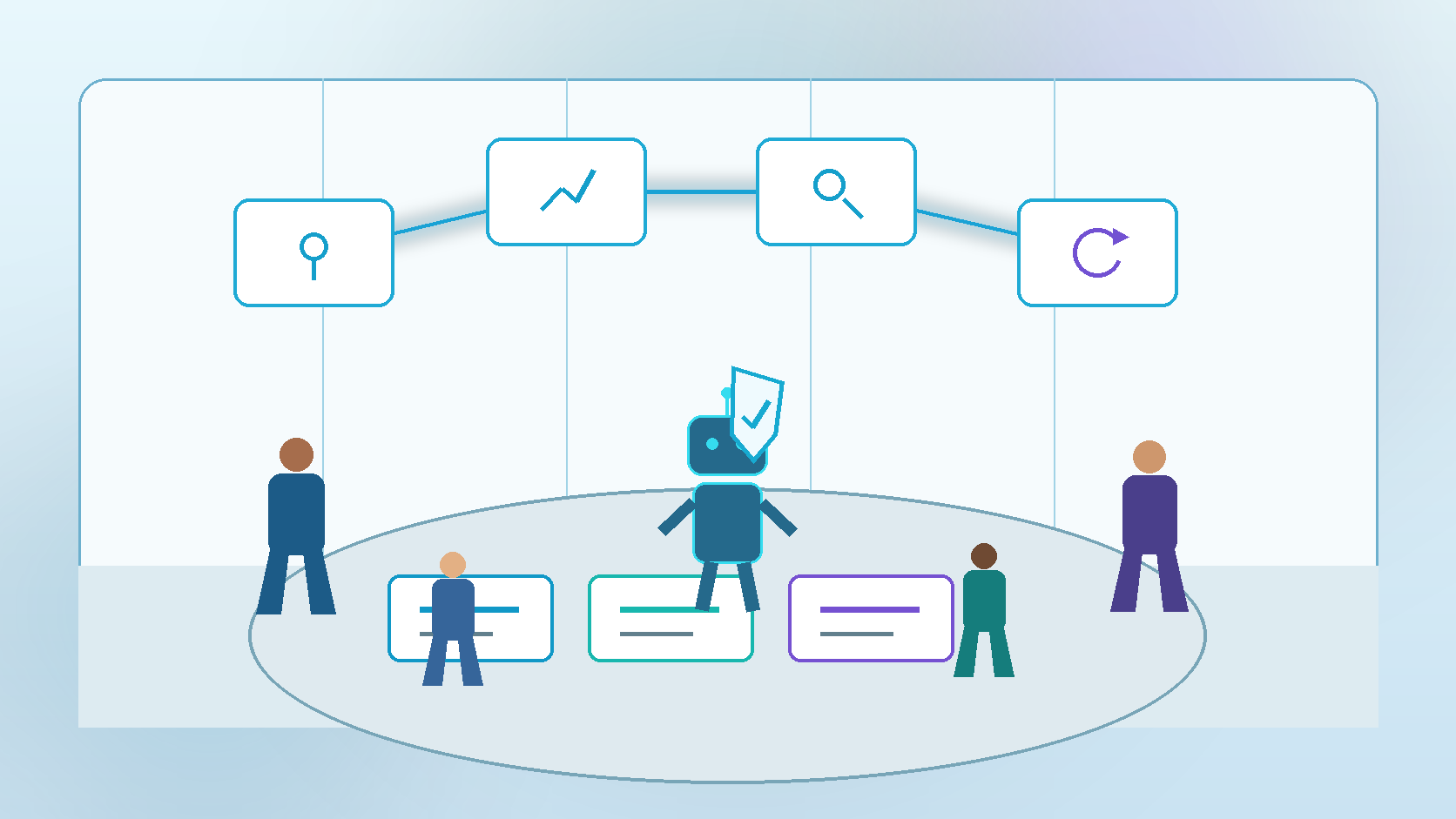
Most teams learn how to create an AI agent. Far fewer learn how to manage one after the demo works—or how to retire it when the workflow, owner, policy, or tool changes.
That gap is becoming visible in the market. Recent releases from Descope, RSA, SailPoint, and Microsoft all emphasise agent registries, named owners, controlled onboarding, runtime policy, audit trails, lifecycle actions, and the ability to block or remove an agent. The shared signal is practical: an agent is not just a prompt. It is a managed digital coworker with a beginning, an operating period, and an end.
This is why domain experts matter. Operations, finance, HR, sales, and service professionals understand the real job, its exceptions, and its consequences. They are the people best placed to become AI architects and Agent Bosses.
Building the Agent Is Only One Lifecycle Stage
A useful lifecycle has at least six stages: request, design, approve, operate, review, and retire. Each stage asks a business question—not merely a technical one.
- Request: What outcome justifies an agent instead of a simpler rule or checklist?
- Design: What data, tools, permissions, exceptions, and evidence does the workflow require?
- Approve: Who accepts the risk, and which actions remain human-controlled?
- Operate: How will people see what the agent did, why it stopped, and what needs review?
- Review: Is it still useful, accurate, economical, and aligned with current policy?
- Retire: How are credentials revoked, schedules stopped, memory handled, and ownership closed?
Next Step
Download the SME Workflow Checklist
Get the exact checklist we use to spot high-ROI automation opportunities in under 15 minutes.
1.Write the Agent's Job Card
Before selecting a model or tool, write a one-page job card. Name the business outcome, accountable owner, permitted systems, allowed actions, prohibited actions, required evidence, review frequency, escalation path, and expiry date.
This turns a vague automation idea into a governable work package. If nobody can own the result or define when the agent should stop, the agent is not ready to operate.
2.Map Authority, Not Just Access
Access says which system the agent can reach. Authority says what it may do there, for whom, under which conditions, and with what approval. A finance agent might read invoices, draft matches, and flag exceptions—but not release payment. A service agent might prepare a reply—but not promise a refund outside policy.
Good learners practise least privilege, short-lived credentials, human approval thresholds, and clear stop conditions. These are workflow-design skills, not security jargon.
3.Design the Evidence Trail
Every important action should leave enough evidence for another person to reconstruct it. Record the task, initiating human or system, agent identity, source data, rule or policy used, proposed action, approval, final result, exception, and rollback status.
An activity log is useful. An evidence packet is better. It gives the reviewer the context needed to make a real decision instead of clicking approve because the queue is long.
4.Run Scheduled Reviews
Agents drift even when models do not. Policies change. Staff leave. APIs move. Data fields are renamed. A once-useful workflow becomes redundant. Schedule reviews based on consequence: monthly for customer, finance, or production actions; quarterly for lower-risk internal support.
Review accepted outcomes, overrides, escaped errors, rework, cost per accepted outcome, unused permissions, stale sources, and unresolved exceptions. Do not measure success by tasks completed alone.
Next Step
Check Your SkillsFuture Subsidy
See your estimated net payable fee and eligibility path in under 60 seconds.
Check My SubsidyRelated Course Module
Module: Build Your First Agentic Workflow Blueprint
Learn how to map, automate, and test one real workflow from your own business during class.
See module details5.Practise Offboarding Before Go-Live
Offboarding should not begin after something goes wrong. Before launch, prove that the team can pause schedules, revoke credentials, block tool access, preserve required logs, transfer open work, notify affected owners, and restore the last safe state.
Retirement is also a design decision. Decide what happens to agent memory, cached data, pending approvals, temporary files, and downstream automations. A disabled chat window is not a retired agent if its credentials and scheduled jobs still run.
A 30-Minute Lifecycle Exercise
Agent: [one digital coworker you use or want to build]
Outcome and owner: [business result and accountable person]
Authority: [read, draft, update, transact, approve]
Evidence: [what every run must record]
Review trigger: [date, volume, error, policy, owner change]
Kill switch: [how work stops immediately]
Retirement checklist: [credentials, schedules, memory, logs, open work]
The goal is not to create more agents. It is to create fewer agents that the business can own from request to retirement.
From AI User to Agent Boss
At the awareness stage, people learn what agents can do. At adoption, they map workflows, permissions, tests, and approvals. At agency, they manage a portfolio of digital coworkers with ownership, telemetry, review, and retirement built in.
A practical agentic AI course in Singapore should therefore teach more than prompt writing. It should help business professionals redesign real work, encode their judgment, supervise execution, and keep humans accountable for outcomes.
Sources
- Descope Agentic Identity Hub 3.0 announcement
- Futurum analysis of SailPoint's agent lifecycle controls
- RSA Agent ID announcement
- Microsoft Agent 365 governance and lifecycle overview
About the Trainer
Melverick Ng is Founder of Nexius Labs and Master Trainer at Nexius Academy. He has trained business teams and non-technical professionals to design practical AI workflows for sales, operations, and customer support.
Talk to a Course Advisor